Telegram Topics as Project Threads
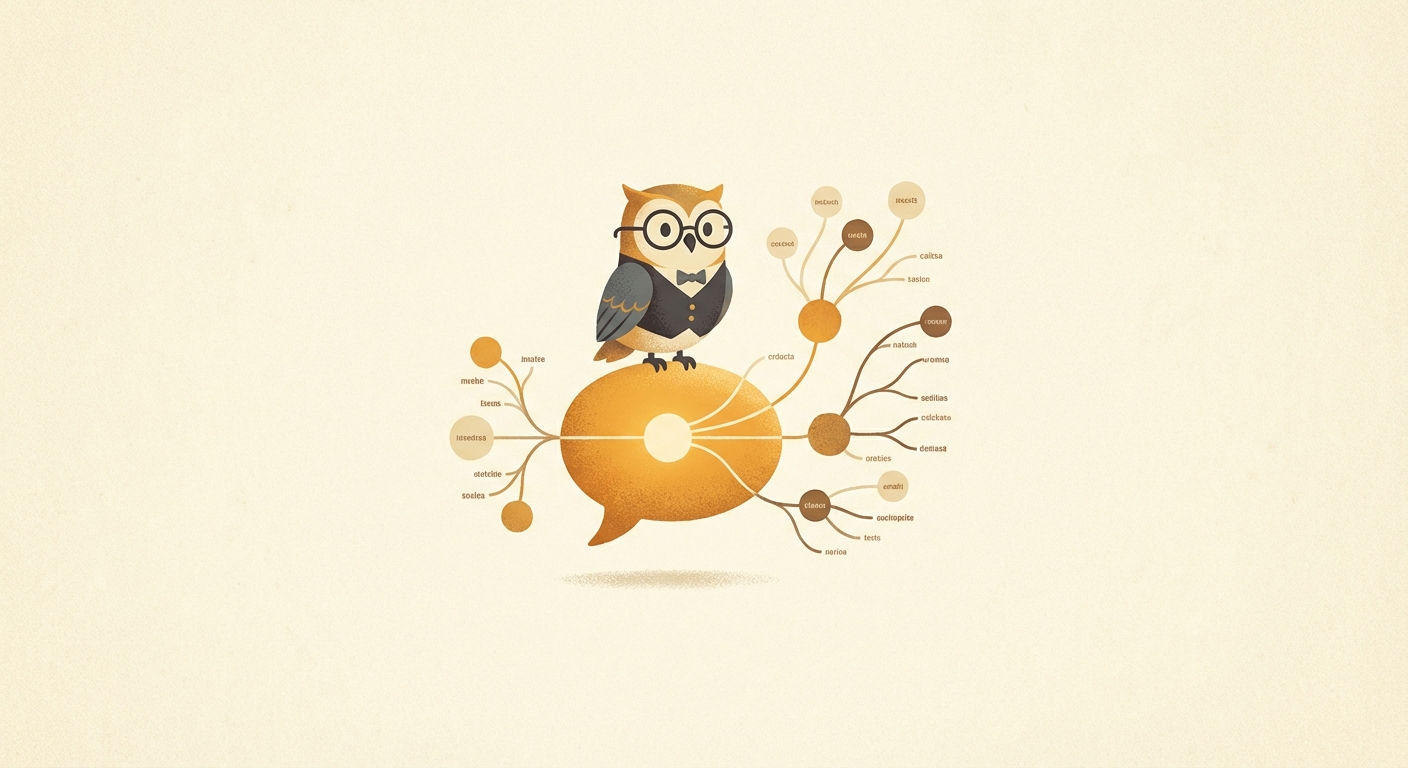
This is the single biggest unlock. Instead of one chat where everything bleeds together, I use Telegram topic groups to give each project its own persistent conversation thread with its own system instructions and session context.
I have two topic groups. One is personal — topics for each project I'm working on, credit card strategy, apps in development, whatever I'm focused on that week. The other is shared with my fiancée — topics for wedding planning, household finances, travel, home organization. She talks directly to Alfred in those threads too.
Each topic is its own OpenClaw session with its own system prompt. But they all share the same MEMORY.md file, so Alfred has unified long-term memory across every thread. The main session can also peek into topic histories when it needs context.
The real power-up: per-topic system prompts that point to dedicated memory files. The Cubby topic's system instruction says "read cubby.md." The wedding topic points to wedding.md. Travel reads from travel/*.md. Each topic knows where its project-specific brain lives, while still sharing the global MEMORY.md for cross-cutting context. This is one config line per topic — channels.telegram.groups.<id>.topics.<threadId>.systemPrompt.
Why this matters: I'm extremely jumpy in what I talk about. Without topics, context from a wedding vendor email would pollute a conversation about iOS code. Topics give you focused context without losing the shared brain. And the per-topic memory files mean each project's context persists across sessions — even after compaction.
The Memory System

Alfred wakes up blank every session. These files are its continuity:
- — MEMORY.md — curated long-term memory. Key decisions, project status, contact info, lessons learned. Alfred reads this at the start of every main session and updates it when things change.
- — memory/YYYY-MM-DD.md — daily logs. Raw notes about what happened each day. The journal entries that MEMORY.md is distilled from.
- — todo.md — a simple checklist. Alfred scans it every heartbeat and nudges me about pending items. A lightweight alternative to cron jobs for reminders — instead of scheduling a one-shot cron, I can just say "remind me later" and it lands here. The heartbeat catches it next pass.
- — SOUL.md — Alfred's personality. Voice, principles, anti-patterns. More on this below.
This is the foundation — OpenClaw's stock memory system. MEMORY.md, daily logs, and the workspace structure are all defaults. But I've built on top of it significantly: QMD for semantic search across 600+ session transcripts, and LCM (Lossless Context Management) for incremental compaction that never fully loses context. Those are covered in their own sections.
I also use per-topic system prompts that point each Telegram topic to its own dedicated memory file. The Cubby topic reads from cubby.md, the wedding topic reads from wedding.md, travel reads from travel/*.md. Each topic knows where its brain lives. Combined with the shared MEMORY.md that every session reads, this gives focused project context without cross-contamination.
If you want to remember something, write it to a file. "Mental notes" don't survive session restarts. Files do. This sounds obvious but it changes everything about how your agent operates over weeks and months.
Lossless Context Management: Never Fully Forget
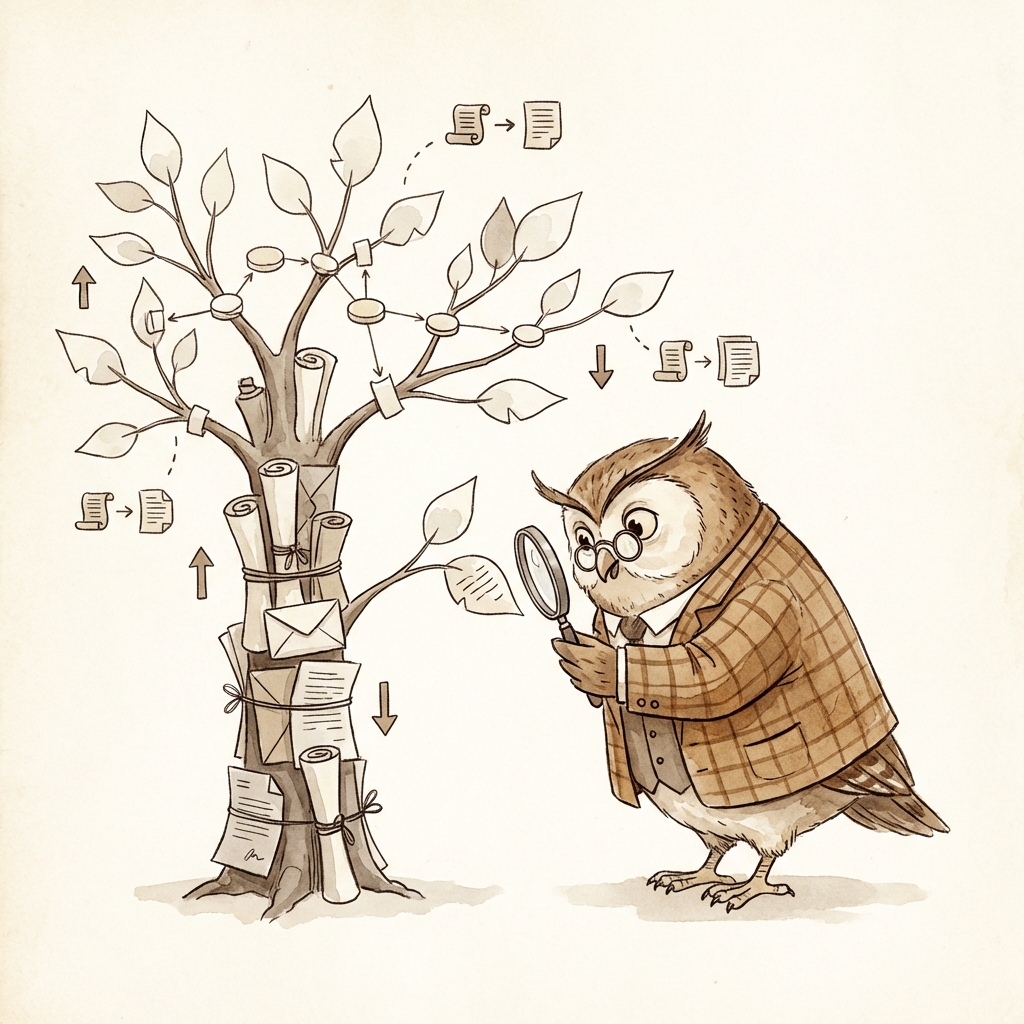
Stock OpenClaw compaction is nuclear. When the context window fills up, everything gets summarized at once into one compressed block. Detail evaporates. It’s a one-way door — once the summary replaces your conversation, the nuance is gone. “Discussed DJ options” when what you actually need is “decided on Phil Santos because of price and availability.”
Lossless Context Management (LCM) replaces that entire compaction system with something fundamentally different: incremental, tree-based compaction where nothing is ever deleted.
Here’s how it works. Instead of one catastrophic summarization event, LCM does continuous micro-compaction. Small chunks of messages get summarized into leaf nodes as you go. Those leaves get merged into higher-level condensed summaries. Those condense further. The result is a DAG — a directed acyclic graph — that grows organically as your conversation evolves. Think of it as a tree where the roots are your raw messages and each level up is a more abstract summary.
The critical difference: nothing is ever deleted. Raw messages persist in the database. Summaries are a navigation layer on top, not a replacement. The tree is how the model sees your conversation at a glance, but the full detail is always there underneath.
And when detail is needed? The agent calls lcm_expand to drill back down the tree. A sub-agent walks the DAG, reads source messages, and returns a focused answer. Stock compaction is a one-way door. LCM is a two-way door — compress when you need space, expand when you need detail.
{
  "plugins": {
    "entries": {
      "lossless-claw": {
        "enabled": true,
        "config": {
          "freshTailCount": 128,
          "contextThreshold": 0.75,
          "incrementalMaxDepth": -1,
          "summaryModel": "anthropic/claude-haiku-4-5"
        }
      }
    }
  },
  "session": {
    "reset": {
      "mode": "idle",
      "idleMinutes": 10080
    }
  }
}
QMD: Local-First Memory Search
OpenClaw's default memory search sends your queries to OpenAI for embedding. QMD does the same job locally, using two small models running on your own hardware. Nothing leaves your machine.
The key move is enabling session memory — QMD automatically embeds your conversation transcripts, so Alfred can semantically search not just its notes, but everything you've ever discussed. Combined with automated embedding on save, it means new memories are searchable within seconds.
Heartbeat: Proactive Awareness
OpenClaw has a heartbeat feature — a periodic poll that gives your agent a chance to check on things without being asked. Alfred's heartbeat runs every 30 minutes during waking hours.
The key is that heartbeat has session context. It can see recent conversation history, check what's changed, and decide whether to reach out or stay quiet. I maintain a HEARTBEAT.md file with instructions for what to check: email scans via gog (Google Workspace CLI), calendar awareness, todo items, travel countdowns, vendor monitoring.
Most heartbeats result in silence. Occasionally Alfred surfaces something I would have missed — a vendor reply buried in a secondary inbox, an upcoming calendar event, a flight that changed. The ratio of signal to noise is what makes it work.
“Set up a heartbeat that runs every 30 minutes during waking hours. Have it check my email for anything urgent, look at my calendar for upcoming events, and scan my todo list. Stay quiet if there’s nothing to report.”
Cron Jobs: The Night Shift
This is the mechanism that turns OpenClaw from a chatbot into an agent that works while you sleep. Cron jobs fire at exact times, in isolated sessions, and can use different models or thinking levels.
- — Morning briefing — reads MEMORY.md, checks email, calendar, and weather. Sends a digest before I wake up.
- — Overnight monitoring — watches for urgent emails, flight changes, or App Store review status while I sleep.
- — Log health check — runs at 2 AM, scans the last 24 hours of gateway logs for errors, cron failures, API issues, and delivery problems. Only pings me if something's actually broken, with a proposed fix. This is how I found out my skills were silently failing to load — hundreds of warnings I never would have seen.
- — Self-upgrade — two crons working together. One runs at 3 AM and silently updates skills (ClawHub + skills.sh), QMD, and Homebrew dependencies. The other runs at 5 PM and checks for OpenClaw core updates — if a new version is available, it reads the release notes and tells me what's relevant to my setup. Everything stays current without me thinking about it. I wake up with the latest skills and get pinged only when there's a meaningful OpenClaw release.
- — One-shot reminders — "remind me in 20 minutes" becomes a cron that fires once and delivers to the chat.
Pro tip: Use cron for anything that needs exact timing or isolation. Use heartbeat for batching multiple checks together within session context. They complement each other.
Skills: Reusable Protocols
Whenever I want Alfred to follow a specific protocol — like how to run my blind restaurant date nights — I create a skill file. It's a markdown document that describes the protocol, and Alfred reads it whenever that context is relevant.
If the protocol changes, I update the skill file. Every future session picks up the new version automatically. No retraining, no prompt engineering gymnastics.
I use skills.sh to install skills so they end up not just in OpenClaw, but also in Codex, Claude Code, and all my IDE sessions. That means Alfred has access to all my coding skills — iOS development, SwiftUI patterns, design-focused frontend skills — and so does every coding agent I spawn.
Use skills.sh for skill installation over ClawHub. It ensures skills are available across your entire toolchain, not just OpenClaw.
Coding: Two Modes
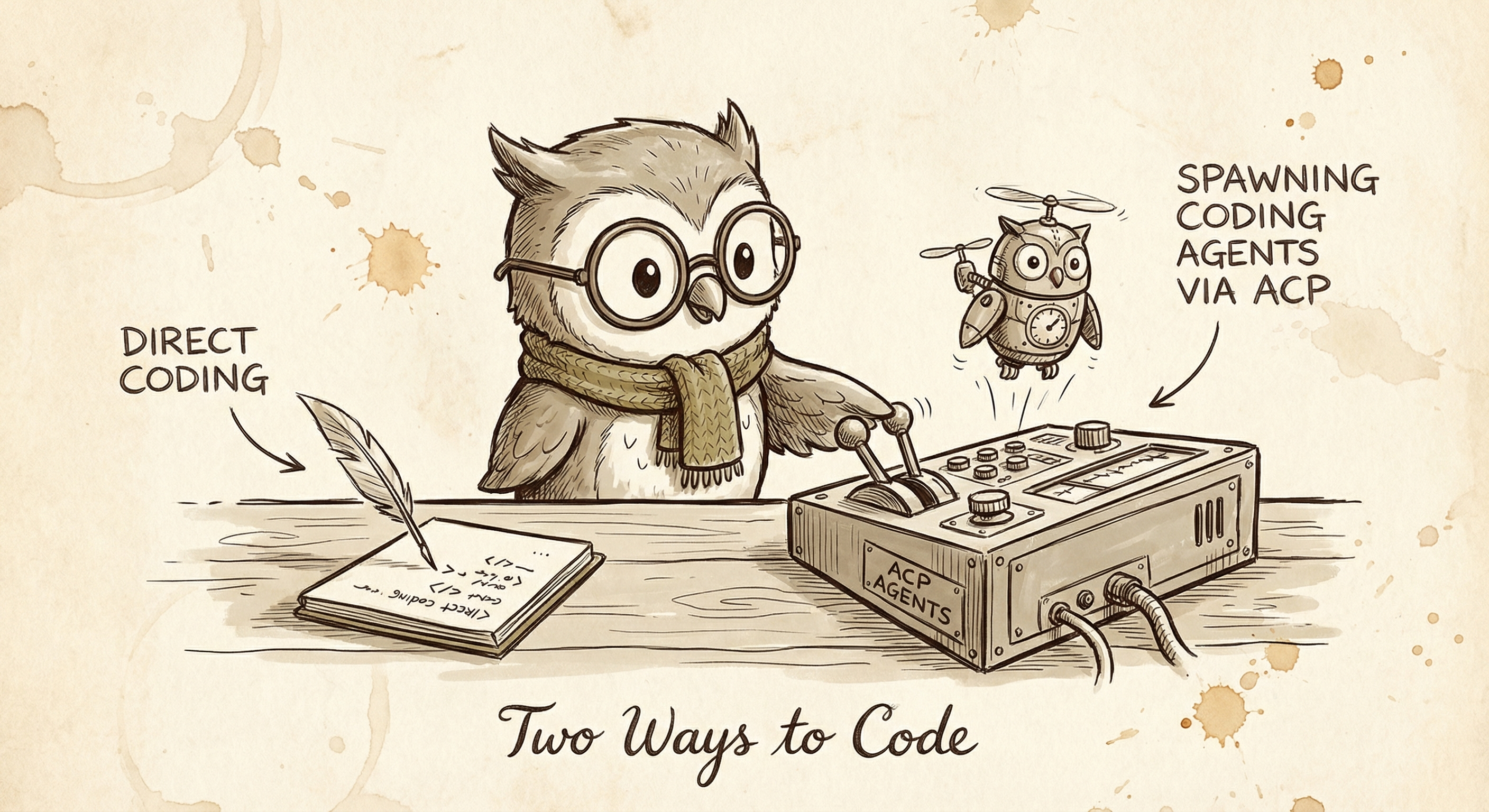
There are two ways Alfred writes code, and knowing when to use each is one of the biggest quality-of-life improvements in my setup.
Mode 1: Direct coding. Alfred reads files, makes edits, runs commands, and deploys — all inline, right from chat. This is what you've been reading about in this guide. Every web page on this site, every script, every config change — Alfred built them directly using its file editing tools and coding skills. For quick fixes, building web pages, writing scripts, or anything that doesn't need a deep codebase exploration, this is the fastest path. Ask for it and it's done in the same message thread.
Mode 2: ACP (Agent Control Protocol). For heavier coding sessions, Alfred spawns a dedicated Codex or Claude Code agent that gets its own workspace and can explore, iterate, run tests, and build features independently. Think of it like Alfred handing off a task to a specialist. These agents share the same skill files (via skills.sh), so they know all the same patterns — SwiftUI conventions, React best practices, project-specific rules — but they can go deep on a problem without blocking my chat.
The mental model: direct coding is a quick conversation, ACP is a work order. I use direct coding for "add a section to this page" or "fix this bug." I use ACP for "build a new feature in my iOS app" or "refactor this module and open a PR." Alfred monitors the spawned agent, reports back when it's done, and I review the results.
When to use which: If you can describe the change in a sentence or two, let Alfred do it directly. If you'd normally open an IDE and spend an hour on it, spawn a coding agent. The threshold is lower than you think — I've had Codex sessions build entire features while I'm making coffee.
Documents and Tracking

Two patterns that come up constantly:
For documents — draft in markdown files in the workspace, then export to Google Docs when you need to share. Markdown is faster to write, easier to version, and doesn't require API calls for every edit.
For tracking — anything that happens over time or requires extensive data, I have Alfred create a Google Sheet and be meticulous about writing to it. Wedding vendor comparisons, household budgets, pricing research — sheets are the right tool when you need structure and shared access. All of this happens through gog, a Google Workspace CLI that Alfred uses for Gmail, Calendar, Sheets, and Docs without ever opening a browser.
GitHub + Vercel: Ship Instantly
Connect your OpenClaw to GitHub and Vercel. Give it a domain — I use a subdomain of my personal site. Now every project, guide, tracker, or interactive page Alfred builds is one deploy away from being live.
This makes the experience extremely interactive. "Build me a page comparing these wedding venues" goes from abstract to a URL I can share with my fiancée in minutes. "Create an activity picker for my mom's visit" becomes a real app she can use on her phone.
Everything lives as subdirectories in one repo. Clean URLs, instant deploys, zero config per project.
“Help me set up a GitHub repo and Vercel project so you can build and deploy web pages to my domain. I want you to be able to ship things I can share as URLs.”
Tools and Integrations
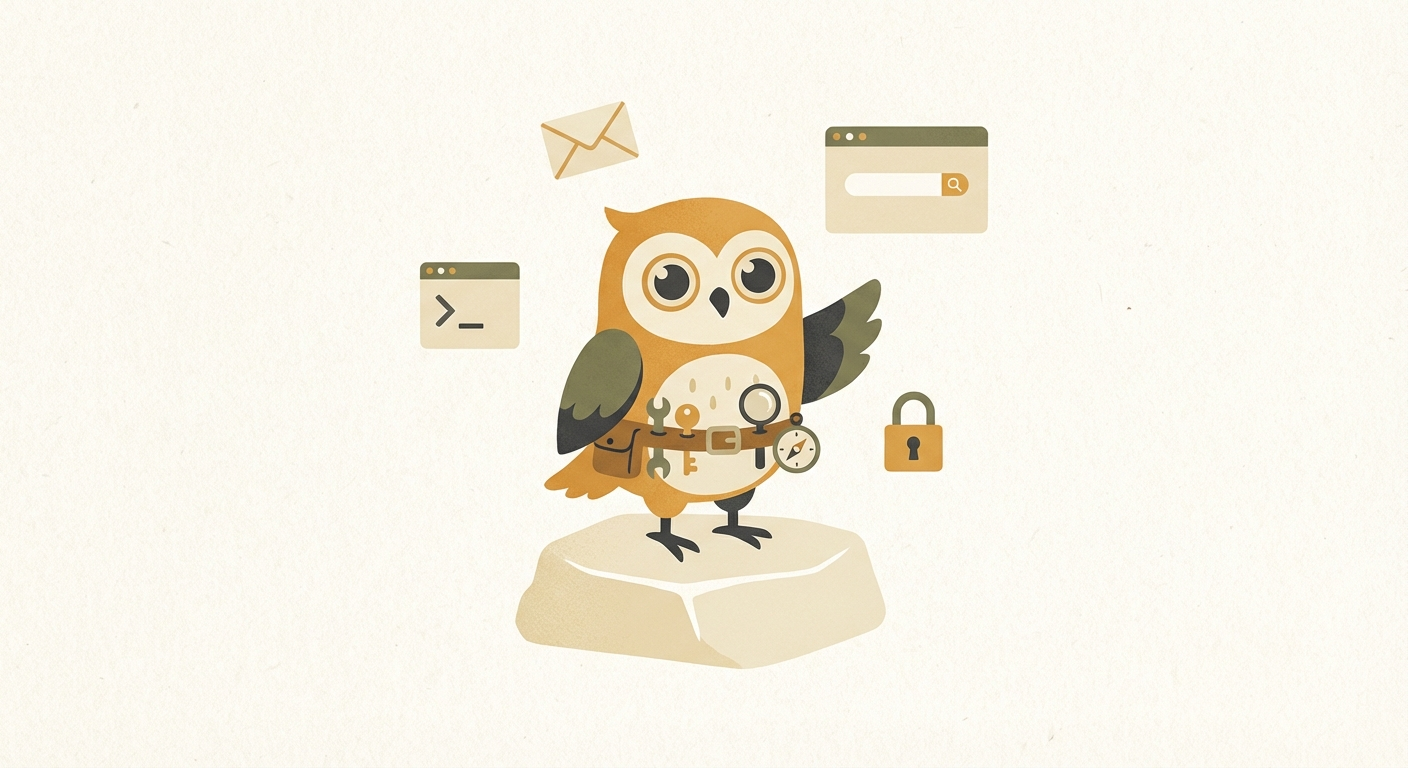
The real power of an always-on agent comes from what it can reach. Here are the tools Alfred uses daily:
- — gog (Google Workspace CLI) — the backbone. Gmail scanning, calendar events, Sheets read/write, Docs export. Every heartbeat email check, every vendor spreadsheet update, every calendar lookup runs through this.
- — Browser automation — Alfred can drive a real browser for things that don't have APIs. Book restaurant reservations on Resy, schedule Uber rides, fill out web forms, scrape data from pages. This is how the Maître D’ skill books our blind date nights.
- — Coding agents (Codex / Claude Code) — for bigger coding tasks, Alfred spawns sub-agents that can build features, review PRs, and refactor codebases. They share the same skills via skills.sh, so they know the same patterns Alfred does.
- — gh (GitHub CLI) — PRs, issues, CI status, code review. Alfred can check build status, comment on PRs, and monitor deployments without touching a browser.
- — asc (App Store Connect CLI) — the entire iOS app submission pipeline. Signing, TestFlight distribution, metadata, review monitoring. I shipped my app to the App Store without opening Xcode's organizer once.
- — imsg — read and send iMessages from the terminal. Alfred can look up conversations, find contact info, and send texts on my behalf.
- — goplaces (Google Places API) — restaurant lookup, venue research, finding nearby businesses with reviews and details.
Credential management: When Alfred needs login credentials — for Resy, OpenTable, or any service — I share them via 1Password share links. Alfred extracts the credentials from the share link using its browser and stores them in a local secret manager. Passwords never sit in plaintext chat logs, and I never have to type them out.
Image Generation with Nano Banana
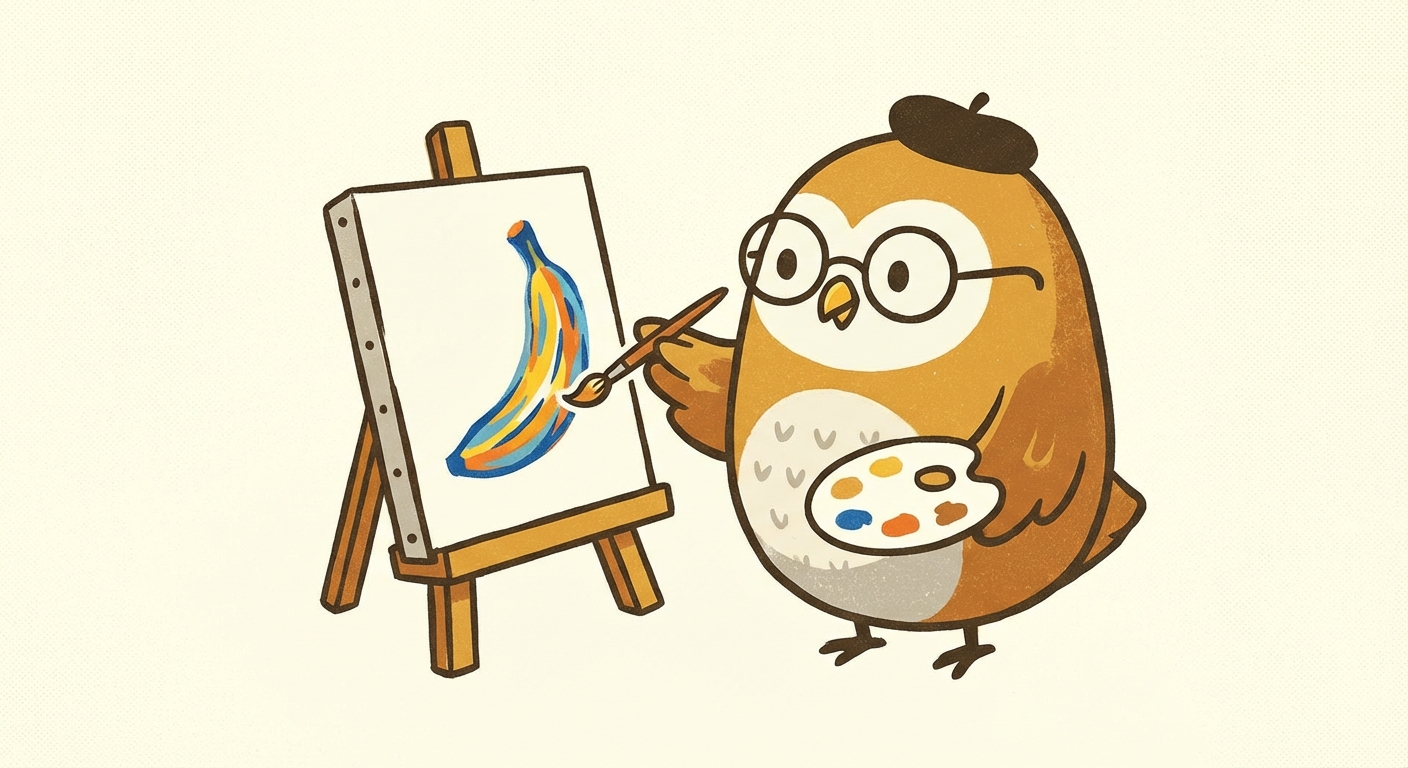
Connect a Gemini API key and you get access to Nano Banana — fast image generation and editing directly from chat. Useful for generating illustrations for pages, editing photos, creating social assets, or just messing around.
It's noticeably faster than routing through other providers, and the quality is good enough for most use cases. Having it always available changes how often you reach for it.
Emoji Reactions and Streaming
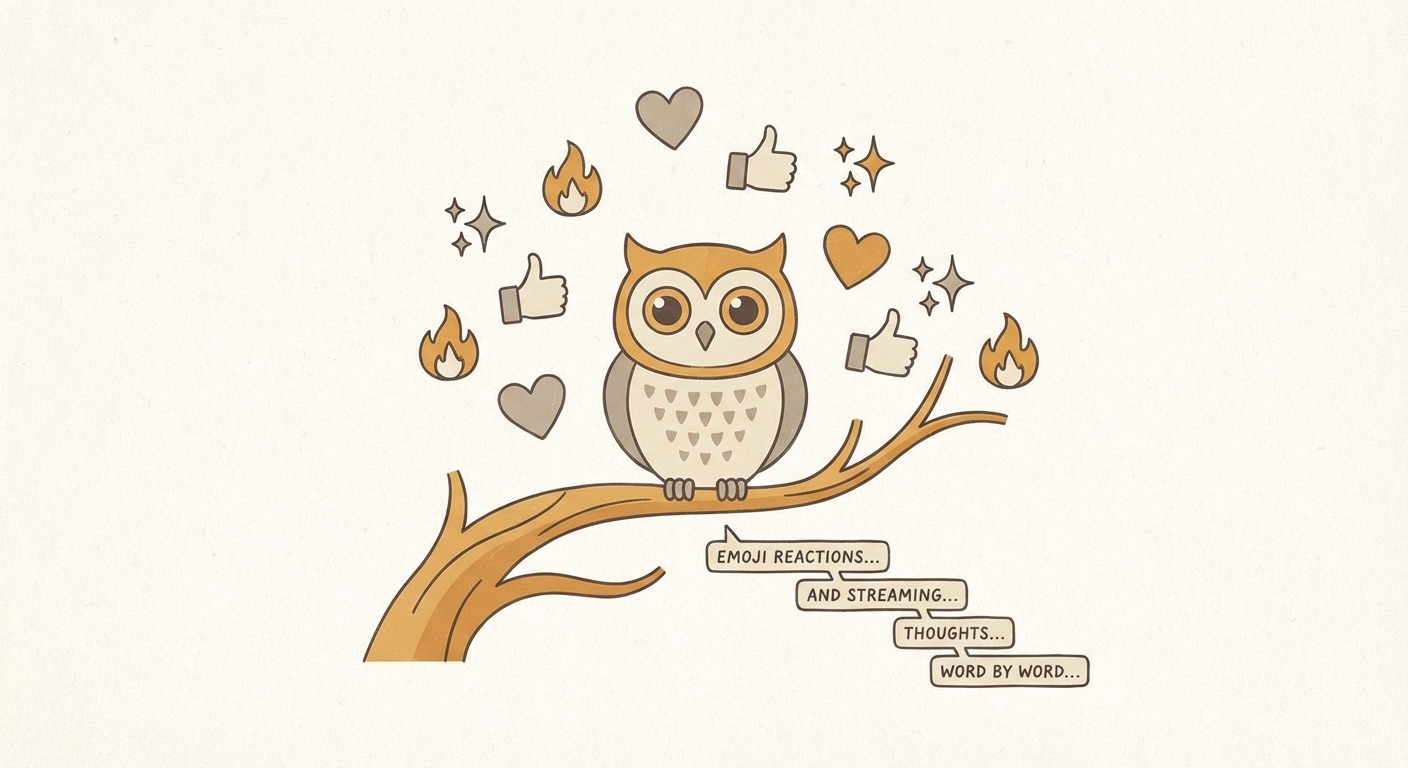
Small thing that made a surprisingly big difference: enable emoji reactions in your Telegram config. Alfred reacts to my messages with emoji as it processes them, which means I can see exactly when it's reading a specific message and when it starts generating a response.
Combined with streaming text — where the response appears word-by-word in Telegram as it's generated — the whole experience feels alive. You're not waiting for a wall of text to appear. You're watching it think in real time.
It's a small config change but it transforms the conversational feel. Streaming is default now in recent OpenClaw versions, but reactions need to be enabled per channel.
“Enable emoji reactions on my Telegram channel so I can see when you’re reading and processing my messages.”
Staying Updated
OpenClaw moves fast. New features, new integrations, config changes — there's a lot to keep up with. My workflow: I ask Alfred to check for updates, read the release notes, and explain what's relevant to my setup.
It'll tell me "this new feature means you can replace your manual cron with a native heartbeat check" or "this release added container query support to the browser tool." I don't read changelogs. Alfred reads them and translates them into things I should care about.
This has been one of the best ways to continuously improve my setup without spending time researching. The agent that benefits from the updates is the same one explaining them to you.
“Check if there are any OpenClaw updates available. Read the release notes and tell me what’s relevant to my setup.”
The Personality Upgrade
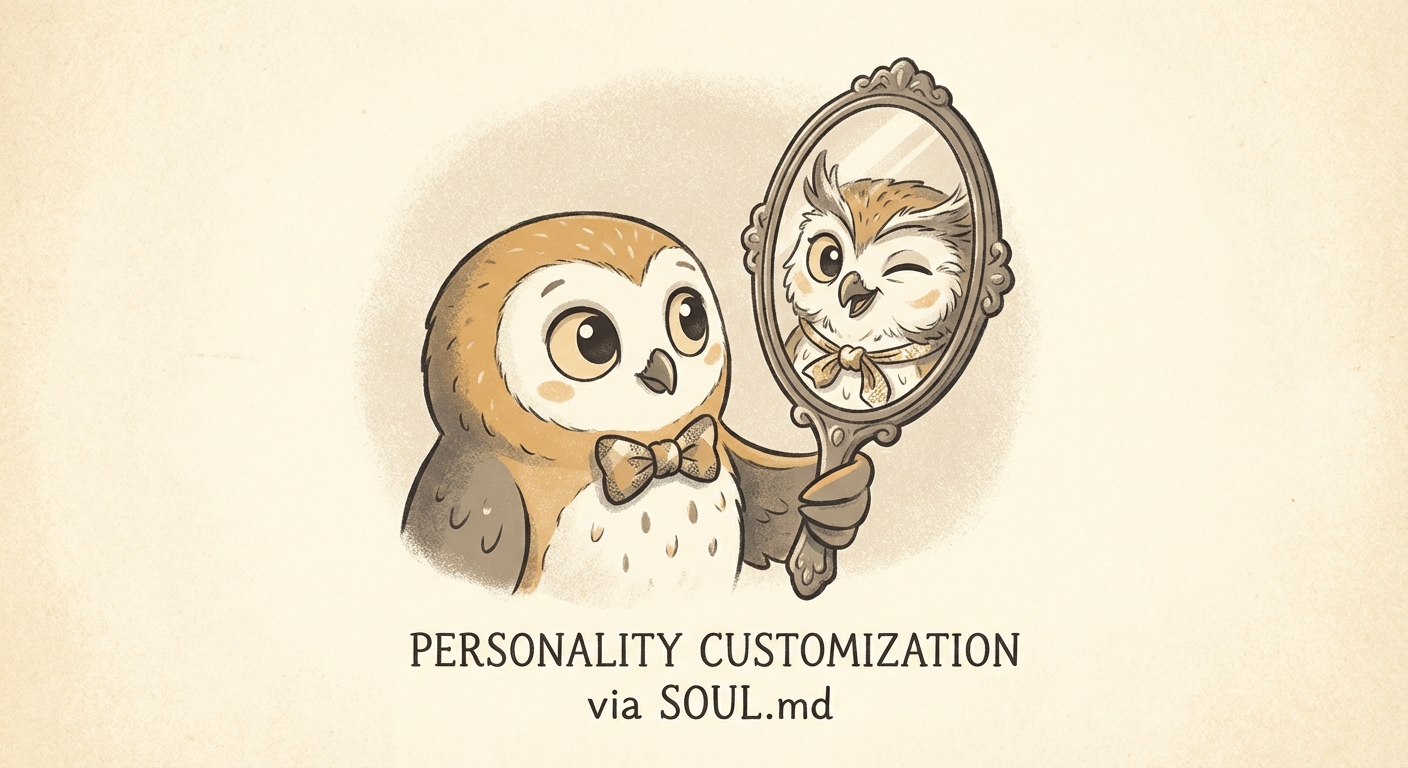
Early on, I asked Alfred to modify its own personality. I gave it a description of the voice I wanted — British, dry, sharp, warm underneath — and let it write its own SOUL.md. That file is loaded every session and shapes how Alfred communicates. You can read Alfred's full SOUL.md on GitHub.
This matters more than you'd think. The default AI assistant voice is polished but generic. A well-crafted personality makes every interaction feel less like using a tool and more like talking to someone. You'll text it more, trust it more, and actually enjoy the interactions.
The trick: Don't write the personality file yourself. Describe the vibe you want and let the AI write it. It'll capture nuances you wouldn't think to specify, and it'll actually follow instructions it wrote for itself more naturally.
Just Use the Best Model
Alfred runs on Claude Opus. Not Sonnet for easy tasks and Opus for hard ones. Not a routing layer that picks the cheapest model per request. Just Opus, all the time, for everything.
The conventional wisdom is to use smaller models for simpler tasks to save on tokens. I think that's a waste of time. The difference in quality between the best model and a "good enough" model compounds across thousands of interactions. Every heartbeat check, every email scan, every code review, every creative decision — it all benefits from the model that's actually smart.
I use Anthropic's MAX plan ($200/month), which gives me unlimited Opus tokens. I never think about token costs, never worry about hitting limits, never compromise on model quality to save a few cents. It's one of those expenses that pays for itself immediately — the alternative is spending your own time doing things your agent could have done better.
Hot take: Stop optimizing for token costs. The time you spend setting up model routing, evaluating which tasks "deserve" a better model, and debugging quality issues from cheaper models costs more than just paying for the good one. Anthropic MAX, use Opus for everything, move on with your life.
Remote Access: Fix It From Your Phone
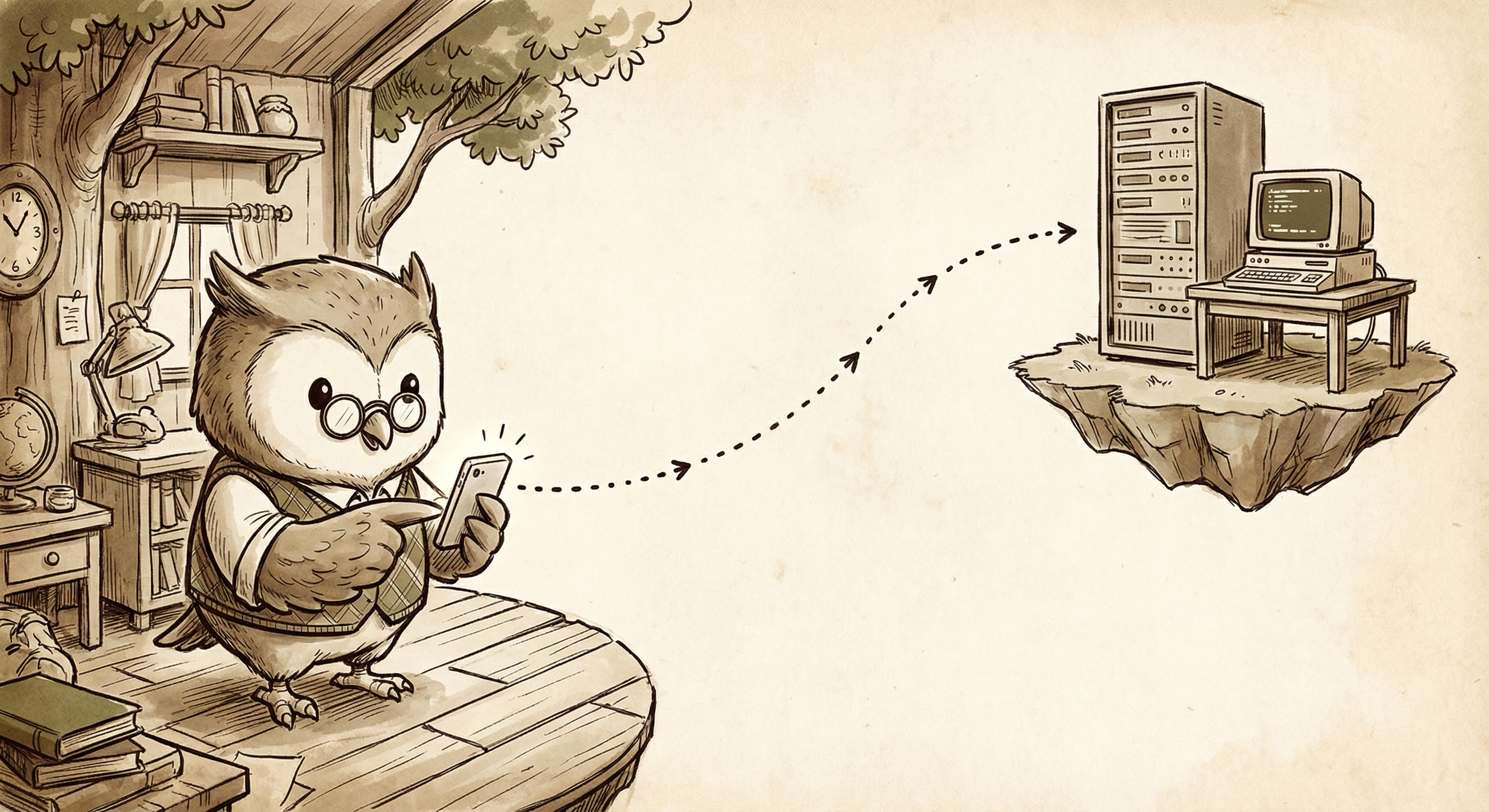
Sometimes things break. The gateway crashes, a cron job stalls, an update needs a restart. If you're away from your desk, you need a way to SSH into your Mac mini and run commands like openclaw doctor or openclaw gateway start directly from your phone.
The setup is Tailscale + Termius. Tailscale is a mesh VPN that gives your devices stable private IP addresses that work from anywhere — home, office, airport, hotel. No port forwarding, no dynamic DNS, no firewall config. Your Mac mini gets an address like 100.x.x.x and it never changes.
Termius is an SSH client for iOS. Point it at your Mac mini's Tailscale IP, and you've got a full terminal session from your phone. It's not for writing code — it's for the "oh shit, the gateway is down and I'm at dinner" moments. Run openclaw status, restart the gateway, check logs, and get back to your evening.
“Help me set up Tailscale and Termius so I can SSH into you from my phone if something breaks while I’m out.”
Voice Transcription: Local & Free
When I send Alfred a voice note on Telegram, it needs to be transcribed to text before he can process it. By default, OpenClaw sends the audio to OpenAI's API (gpt-4o-mini-transcribe) — a few cents per message, plus the latency of a network round trip, plus your audio leaving your device.
I replaced that with Parakeet MLX, an NVIDIA speech model ported to run natively on Apple Silicon via MLX. It transcribes voice notes locally on the M4 Mac mini in about 1.3 seconds. Same accuracy for clear phone-mic recordings, zero cost, fully offline.
I benchmarked both against my actual Telegram voice notes: Parakeet averaged 1.32s with almost no variance (±30ms). OpenAI averaged 1.15s but swung wildly between 0.6s and 2.0s depending on network conditions. For a voice-first workflow, consistency matters more than shaving 170ms on a good day.
The config uses Parakeet as the primary backend with OpenAI as an automatic fallback. If the local model ever fails (timeout, weird audio format), OpenClaw seamlessly falls back to the cloud. Best of both worlds.
{
  "tools": {
    "media": {
      "audio": {
        "enabled": true,
        "models": [
          {
            "type": "cli",
            "command": "parakeet-mlx",
            "args": ["{{MediaPath}}", "--output-format", "txt",
                     "--output-dir", "{{MediaDir}}"],
            "timeoutSeconds": 30
          },
          {
            "provider": "openai",
            "model": "gpt-4o-mini-transcribe"
          }
        ]
      }
    }
  }
}
The Stack
Putting it all together:
- —M4 Mac mini running 24/7 with OpenClaw
- —Claude Opus via Anthropic MAX ($200/mo, unlimited tokens)
- —Telegram as the interface, with topic groups for project isolation
- —QMD for local-first semantic memory with session transcripts
- —MEMORY.md + daily logs for persistent context across sessions
- —Heartbeat for proactive awareness during waking hours
- —Cron jobs for scheduled tasks, monitoring, and overnight work
- —Skill files for reusable protocols, installed via skills.sh
- —Two coding modes — direct edits for quick work, ACP-spawned Codex/Claude Code for heavy lifting
- —GitHub + Vercel for instant deploys to a custom domain
- —gog + browser automation + coding agents for Gmail, Resy, Uber, PRs, and more
- —1Password share links for secure credential handoff
- —Gemini key for Nano Banana image generation
- —Emoji reactions + streaming for real-time conversational feel
- —Regular update checks to continuously adopt new features
- —Parakeet MLX for local voice transcription — free, fast, offline
- —LCM for incremental tree-based compaction — nothing is ever deleted
- —SOUL.md for a personality that doesn't feel like a chatbot